How to find your order number
Edited
Having your order number can be very helpful to get assistance on your ticket. Here are a few easy ways to find it
On your booking confirmation
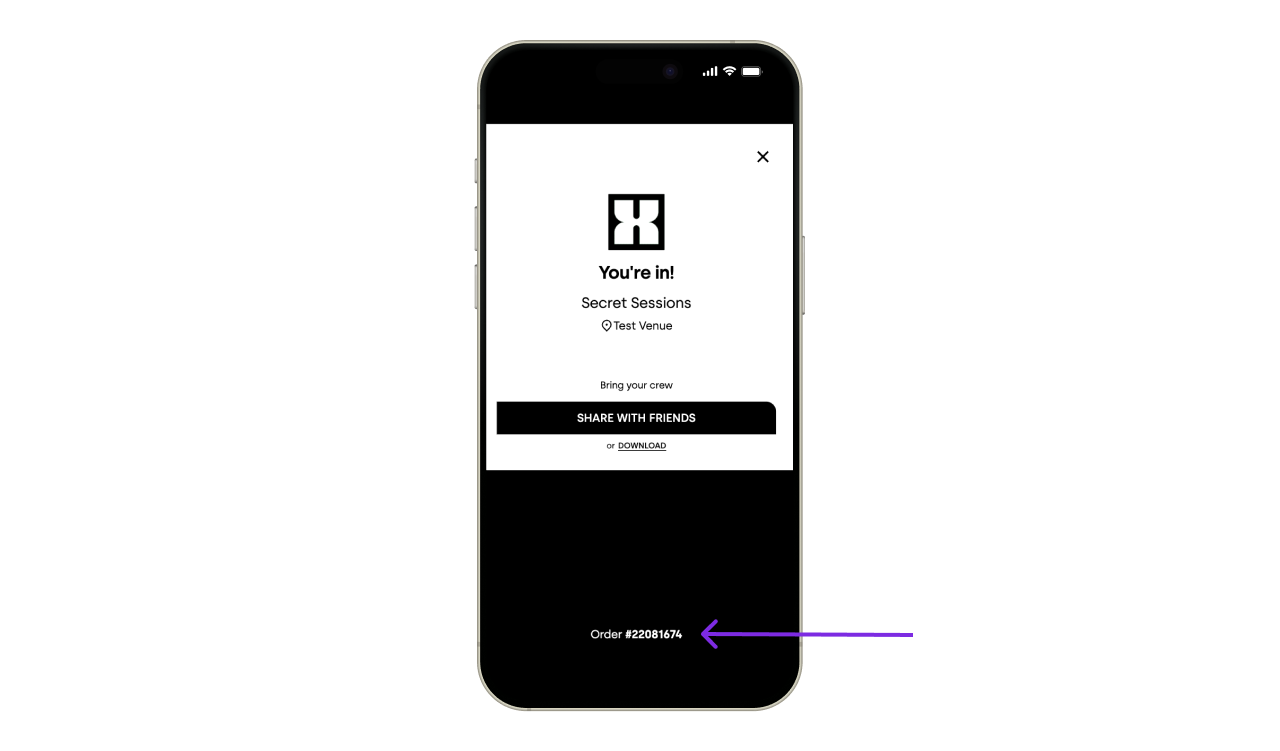
After your payment you get a booking confirmation success page. Your order number is on the bottom.
On your email confirmation
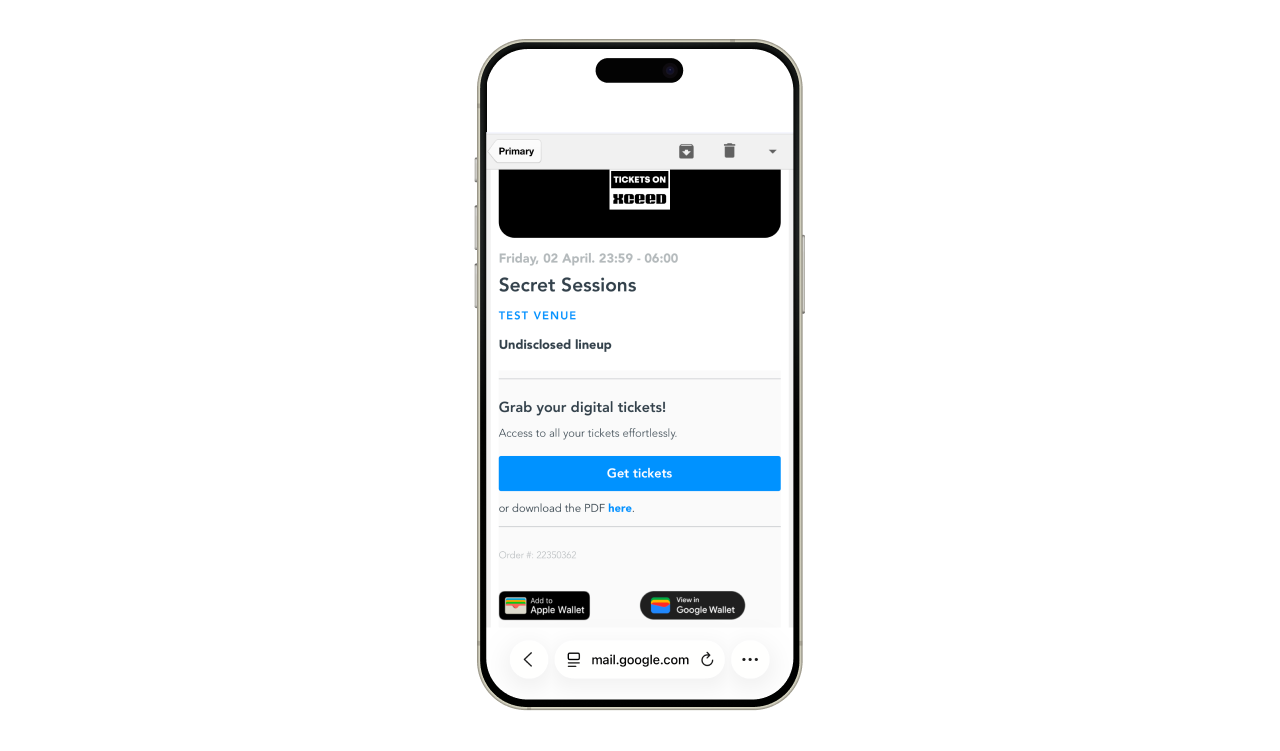
After buying your ticket you get an email confirmation from tickets@xceed.me with your order number.
On your ticket PDF
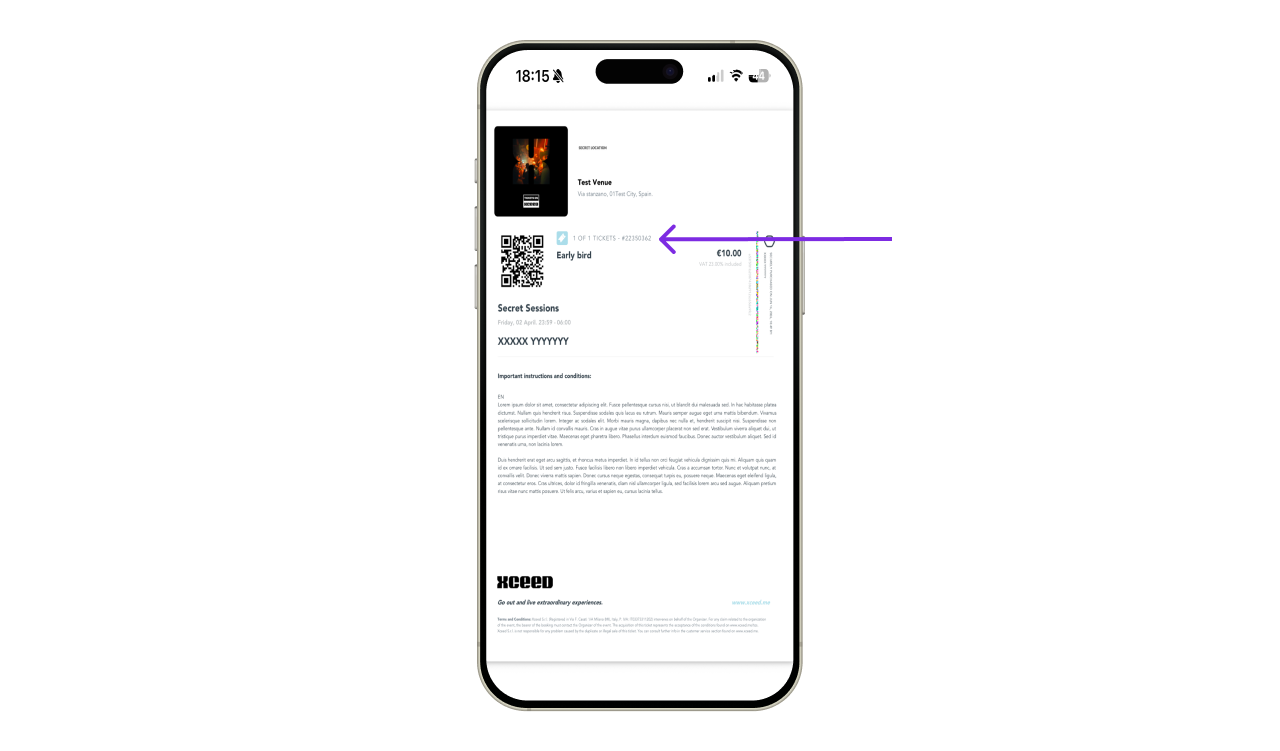
Your ticket PDF also have your order number.
On the app
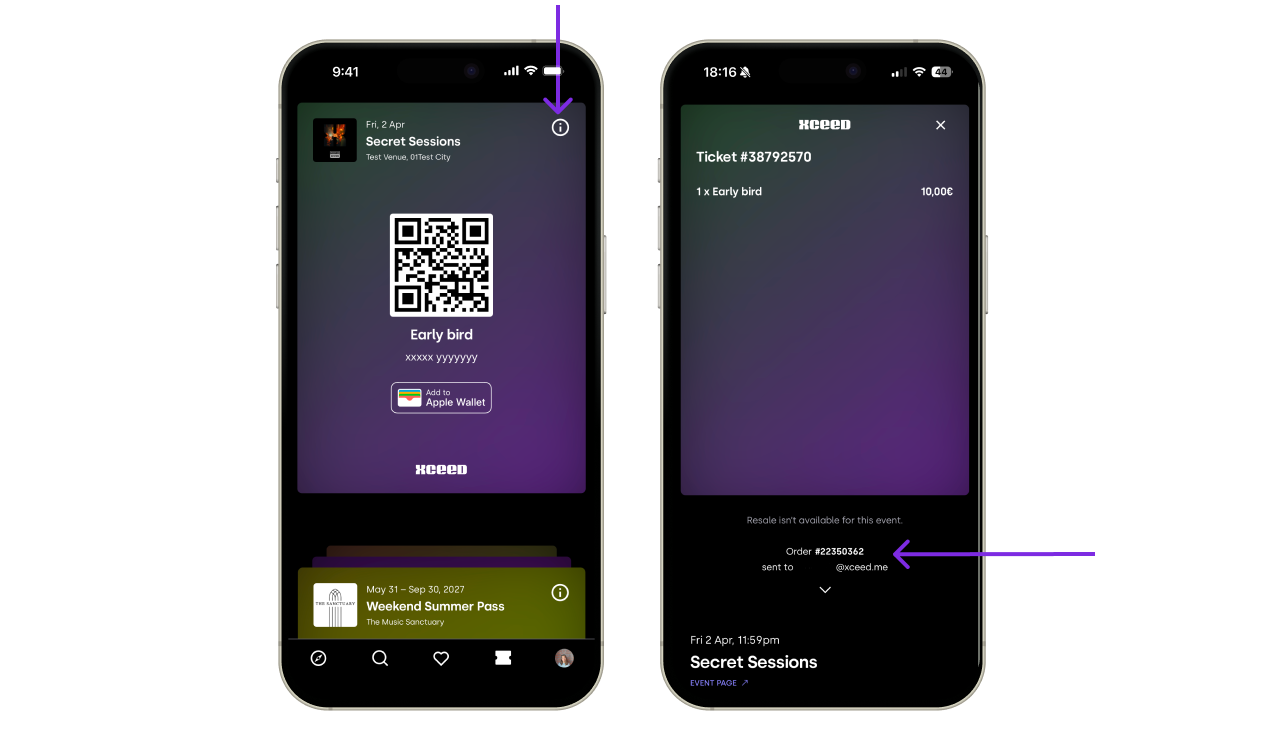
If you have the XCEED app go on your tickets tab and click on your tickets. On the top right corner click on the more information icon to get details like your order number.